
Find your next ad reference
Browse Frevana’s featured ad library, upload an ad you’ve saved, or use Spy to search for ads by competitor name.
Backed by a16z, Craft, OpenAI. Trusted by 500+ leading brands.

Agent App · 付费广告
Start with a featured ad, upload a reference, or search competitors with Spy. Adapt the creative to your product, then edit and resize the result.
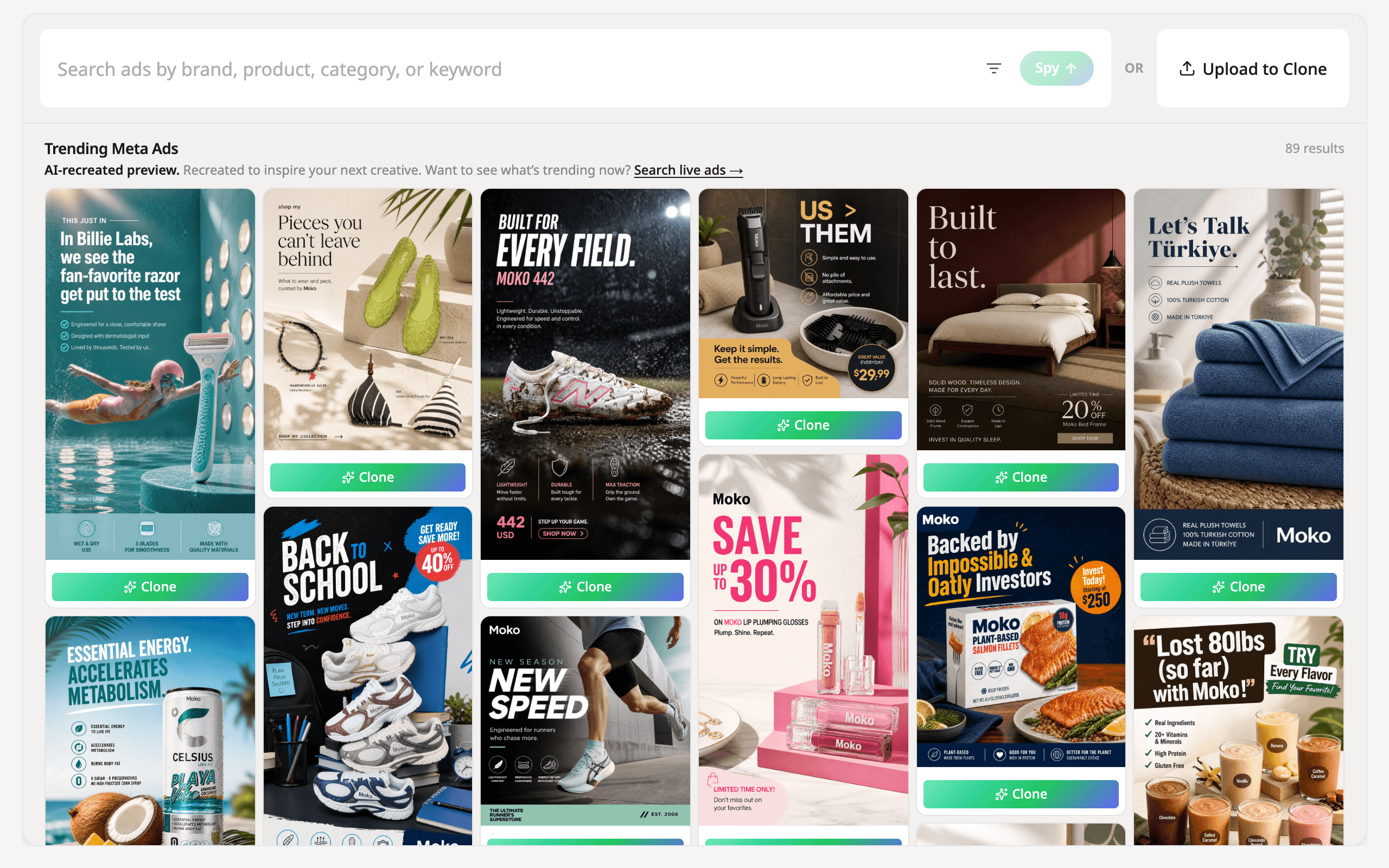
Browse Frevana’s featured ad library, upload an ad you’ve saved, or use Spy to search for ads by competitor name.
Use a reference ad’s hooks, messaging, and visual approach to generate a new creative for your product.
Brush over the area you want to change and describe the edit in plain language. Resize the result for the platform where you plan to run it.
Turn reference ads into fresh campaign concepts and explore different hooks, angles, and visual treatments with less manual production.
A walkthrough of the Ad Clone workspace. This video demonstrates the product; it is not generated by Ad Clone.
Ad Clone is a browser-based AI app that turns reference ads into new creatives for your product. You can find inspiration, generate a variation, and edit and resize the result in Frevana.
Start with Frevana’s featured ad library, upload an ad you’ve saved, or use Spy to search by competitor name.
Spy lets you search for competitor ads within Frevana and find references for your next creative.
Yes. Brush over the area you want to change and describe your edit in plain language, without regenerating the whole image.
Yes. After generating a result, you can resize it for the platform where you plan to run it.
Yes. Open Ad Clone on Frevana, sign up or log in, and follow the first workspace step.
Open Ad Clone in the browser, pick a reference, and generate a creative for your product.