将 Slack 连接到 Frevana
将 Slack 工作空间连接到 Frevana,让智能体在您选择的频道和私信中工作。完成连接需要 Slack Bot Token 和 App Token。
请像保护密码一样保护这两个令牌,并将它们存放在安全的位置。
使用应用清单设置 Slack
使用应用清单可以快速配置 Frevana 所需的 Slack 权限。
-
打开 Slack API: Your Apps,选择 Create New App。
-
选择 From a manifest。
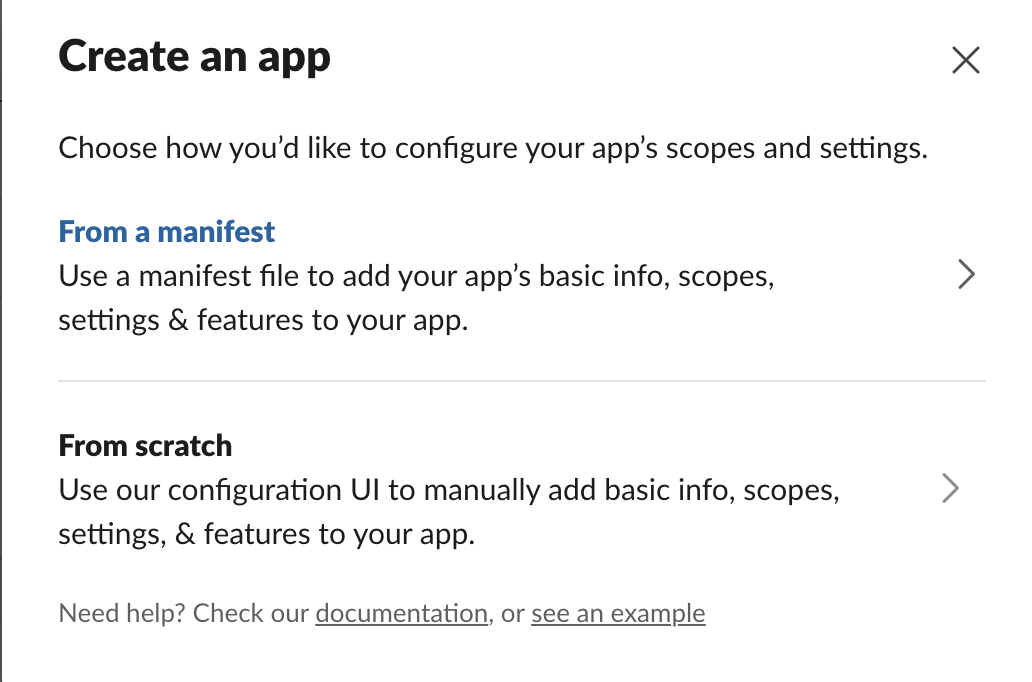
-
选择要连接的工作空间。粘贴以下清单前,请根据团队需要修改 App Name、App Description 和 Bot Name 的值。然后粘贴清单并创建应用。
{"display_information": {"name": "App Name","description": "App Description","background_color": "#6a7aab"},"features": {"bot_user": {"display_name": "Bot Name","always_online": true}},"oauth_config": {"scopes": {"bot": ["users:read","reactions:write","app_mentions:read","channels:history","channels:read","chat:write","files:read","files:write","groups:history","groups:read","im:history","im:read","im:write"]},"pkce_enabled": false},"settings": {"event_subscriptions": {"bot_events": ["app_mention","message.channels","message.groups","message.im"]},"interactivity": {"is_enabled": true},"org_deploy_enabled": false,"socket_mode_enabled": true,"token_rotation_enabled": false}} -
创建 App Token:
- 进入 Settings > Basic Information > App-Level Tokens。
- 选择 Generate Token and Scopes,添加
connections:write权限。 - 复制生成的令牌,即您的 App Token。
-
为应用启用私信。进入 Features > App Home,在 Show Tabs 下启用 Messages Tab,并允许用户从该标签页发送消息和斜杠命令。
-
安装应用。进入 Settings > Install App,将应用安装到工作空间,然后复制 Bot User OAuth Token,即您的 Bot Token。
-
将应用添加到希望它工作的每个频道。应用只能访问已加入频道中的消息。
-
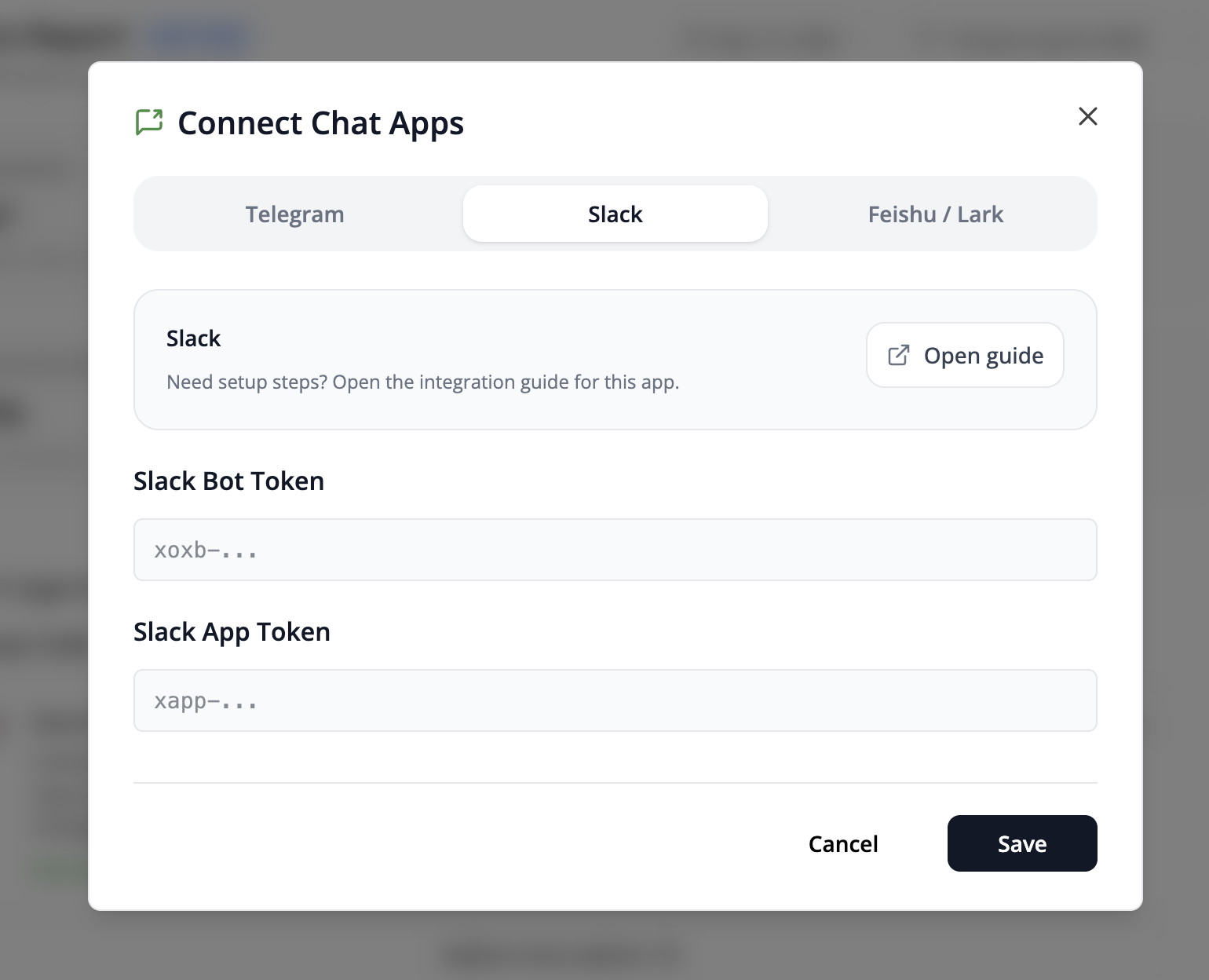
在 Frevana 中选择 Connect Chat Apps,输入 Bot Token 和 App Token,然后选择 Save。
从头设置 Slack
如果您希望自行配置各项设置,可以按照以下步骤操作。
-
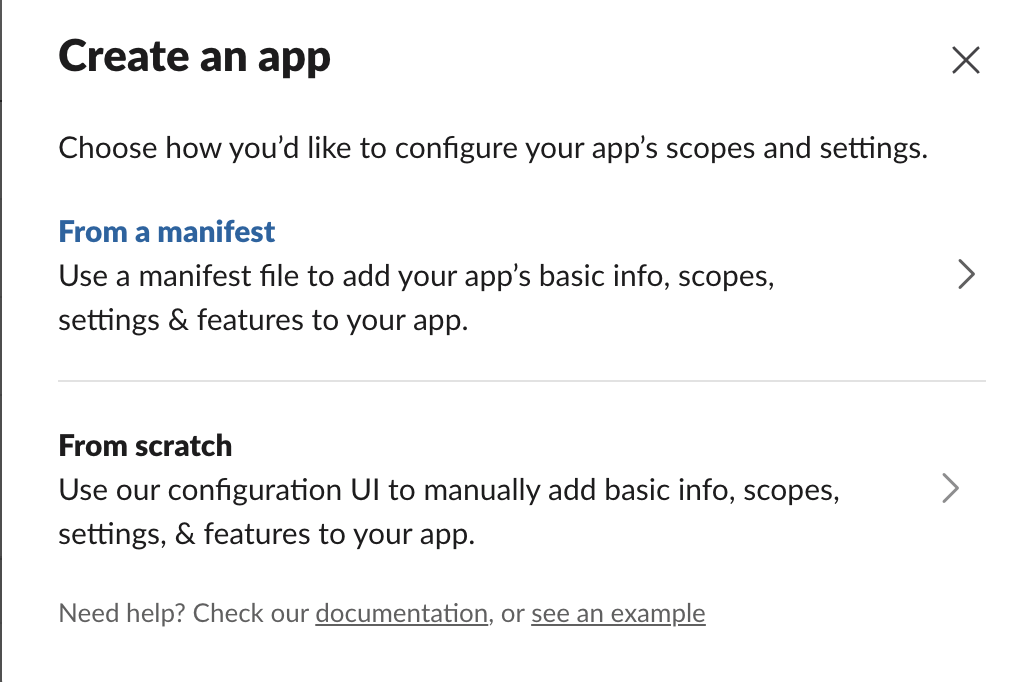
打开 Slack API: Your Apps,选择 Create New App,然后选择 From scratch。
-
启用 Socket Mode:进入 Settings > Socket Mode 并将其开启。
-
在 Settings > Basic Information > App-Level Tokens 下创建 App Token。添加
connections:write权限,然后复制令牌。 -
在 Features > OAuth & Permissions 下添加以下 Bot Token Scopes:
app_mentions:readreactions:writechannels:historychannels:readchat:writefiles:readfiles:writegroups:historygroups:readim:historyim:readim:writeusers:read
-
在 Features > Event Subscriptions 下订阅以下机器人事件:
app_mentionmessage.channelsmessage.groupsmessage.im
-
启用私信。在 Features > App Home > Show Tabs 下启用 Messages Tab,并允许用户从该标签页发送消息和斜杠命令。
-
将应用安装到工作空间,并复制 Bot User OAuth Token,即您的 Bot Token。
-
将应用添加到需要使用的频道,然后在 Frevana 中使用 Bot Token 和 App Token 完成连接。