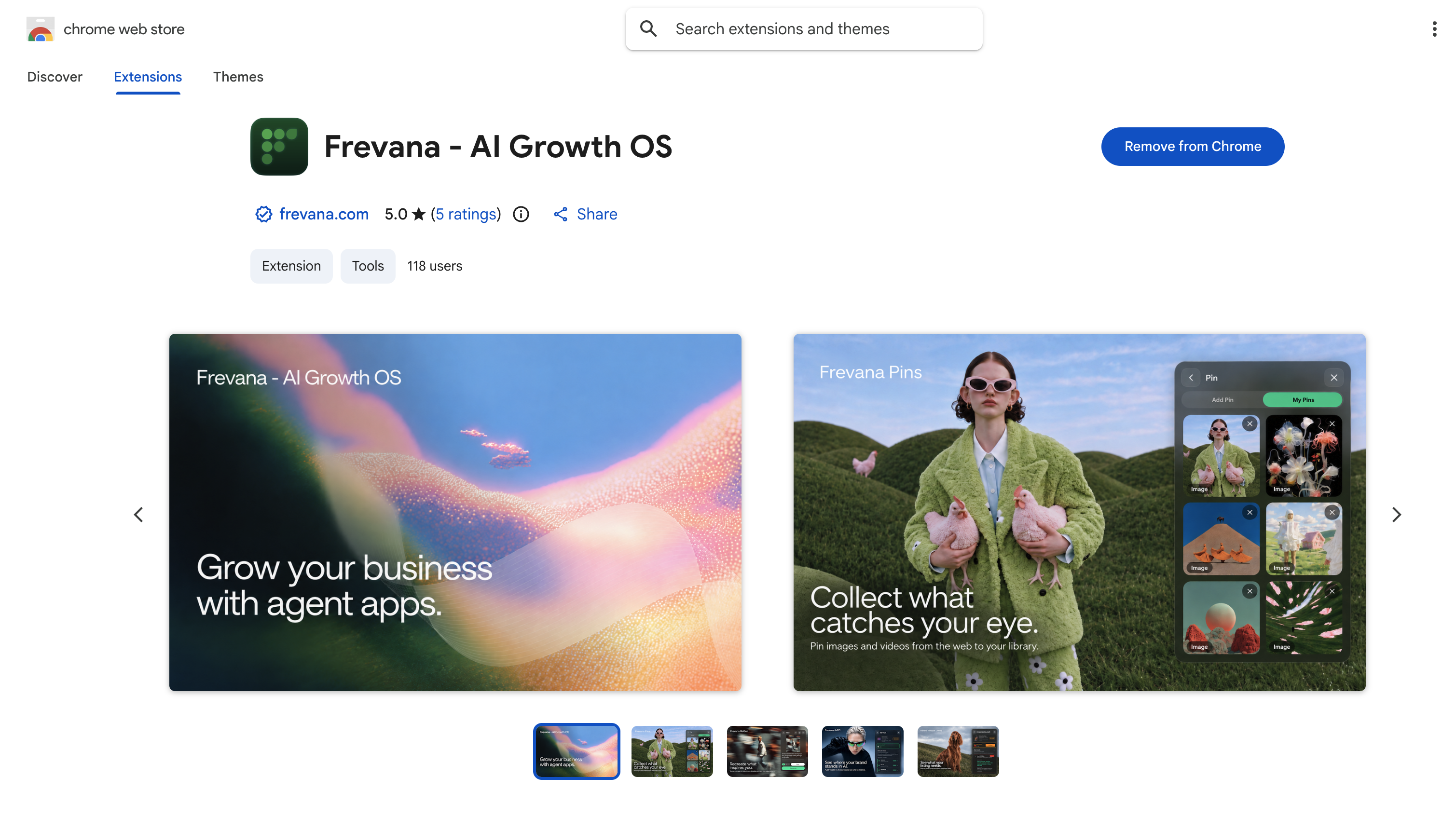
Install Chrome Extention
Add Frevana to Chrome in just a few clicks. Visit the Frevana listing in the Chrome Web Store, then select Add to Chrome to install the extension.
When the installation is complete, select Frevana in Chrome and then select Sign in.
important
Use the same account you use to sign in to the Frevana app. This keeps your extension and app connected to the same workspace.
You’re all set to start using Frevana in Chrome.