Install Frevana
Frevana is quick to set up. Download the app, sign in, and you’ll be ready to get started in just a few minutes.
Download Frevana
Visit frevana.com and select Download Frevana. Your download will begin automatically.

Install and sign in
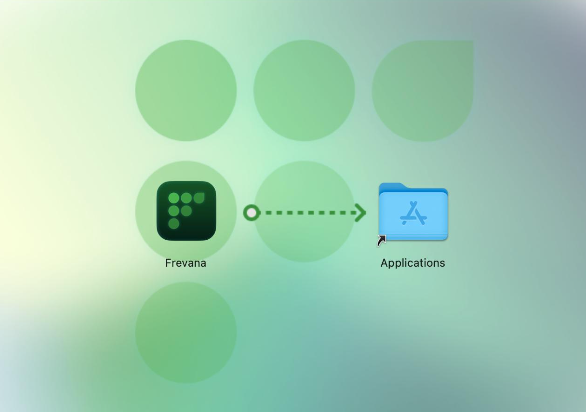
- Open the installer once the download is complete and follow the on-screen prompts.
- When installation finishes, open Frevana.
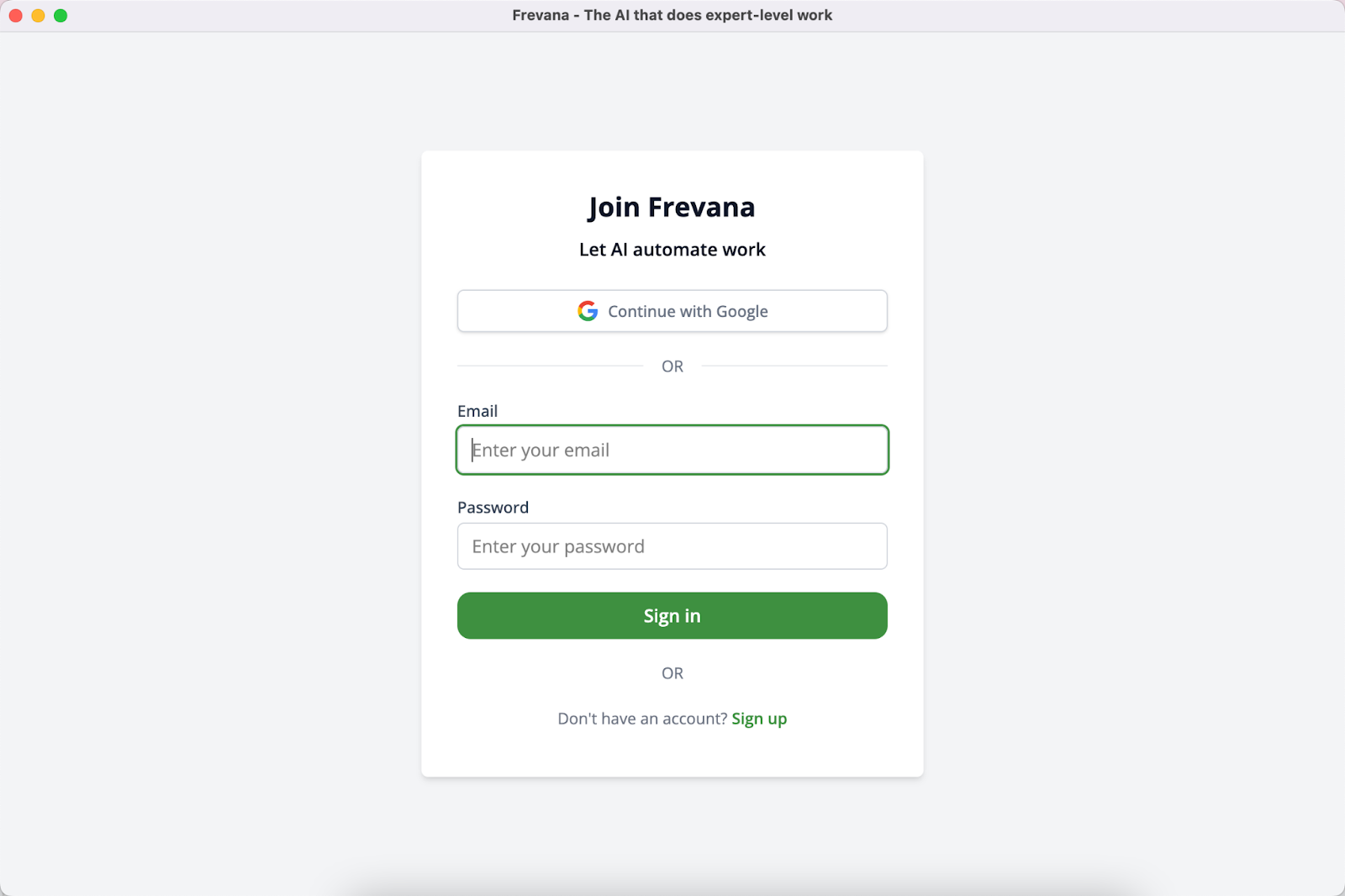
- Sign in with your Frevana account to continue.
Keep Frevana up to date
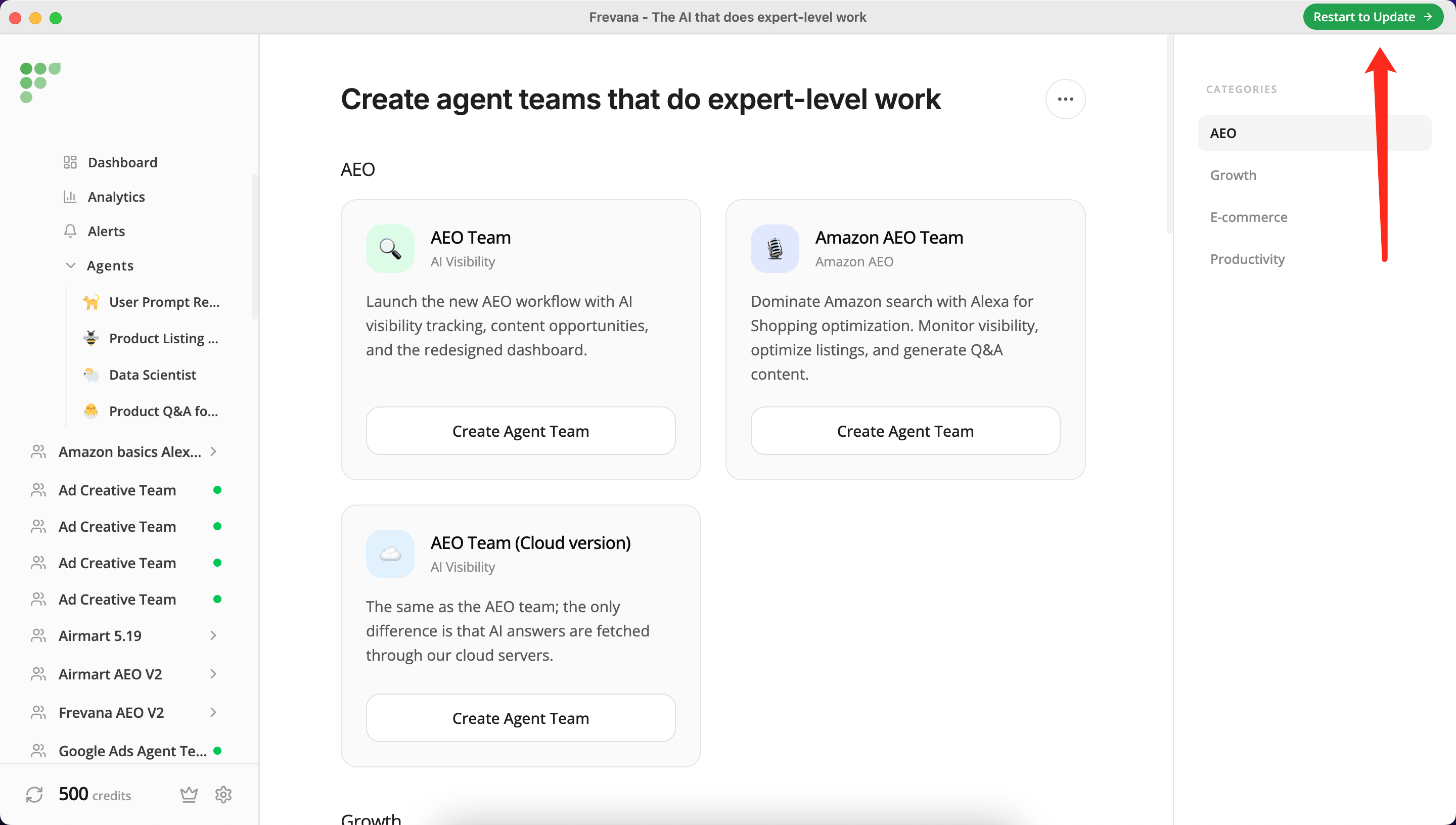
When an update is ready, Frevana will let you know. Select Restart to Update to install the latest version and return to your work with the newest improvements.