Connect Telegram to Frevana
Connect a Telegram bot to Frevana using a Bot Token from BotFather. The setup only takes a few steps.
Create a Telegram bot
- Open Telegram and search for the official @BotFather account. Look for the verified checkmark.
- Open the chat and select Start, or send
/start. - Send
/newbotand follow BotFather’s prompts to choose a display name and a unique username for your bot. The username must end inbot, such asMyHelperBotorMy_Helper_bot. - Once your bot is created, BotFather will send you its API token. Copy this value; it is your Bot Token. It will look similar to
123456789:AABBCCddEeff....
warning
Keep your Bot Token private, like a password. Anyone with the token can control your bot. If it is exposed, use BotFather to revoke it and generate a new one.
Connect your bot in Frevana
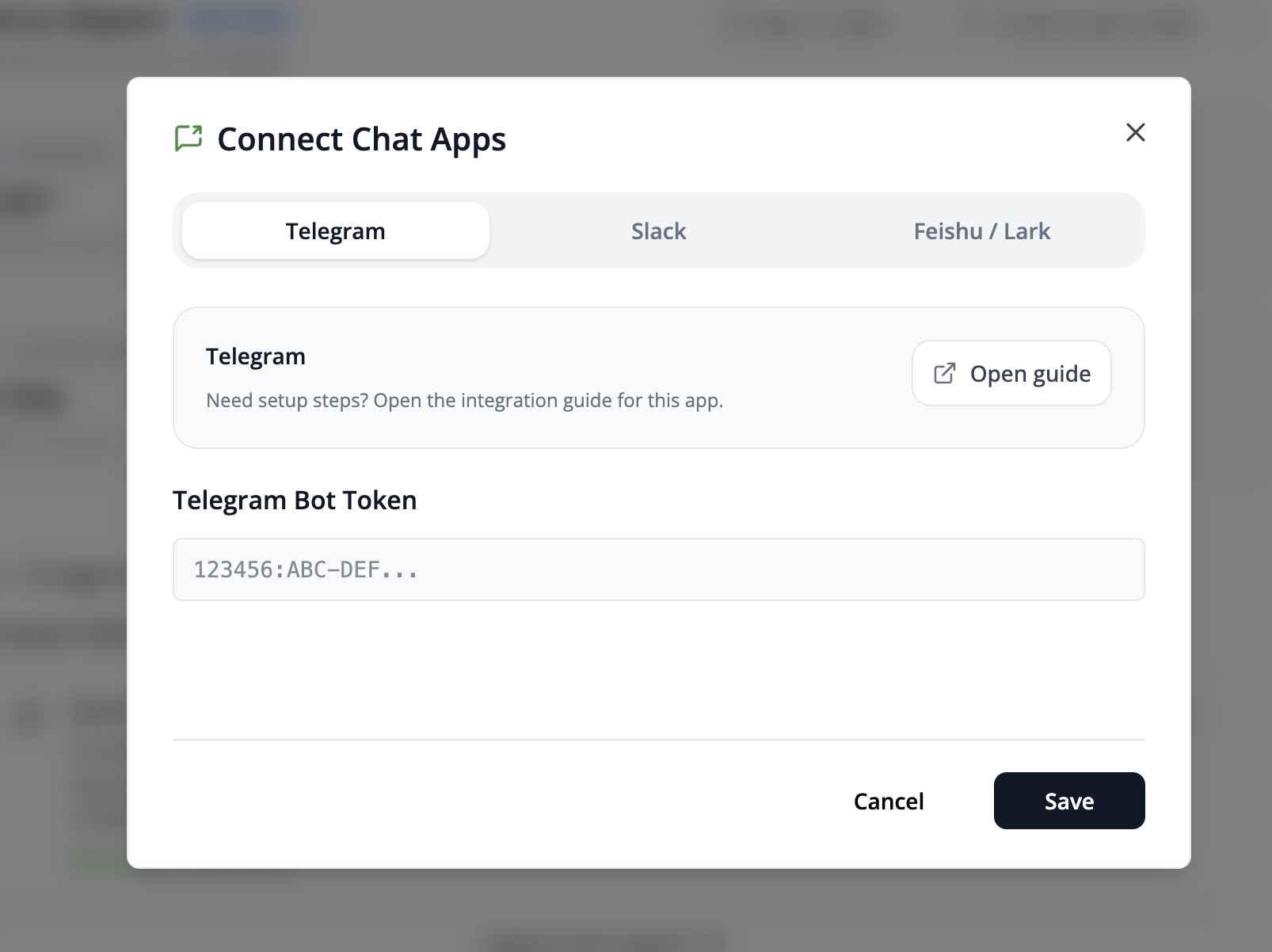
- In your Frevana Agent team, select Connect Chat Apps.
- Choose Telegram and paste your Bot Token into the Telegram Bot Token field.
- Select Save to complete the connection.